

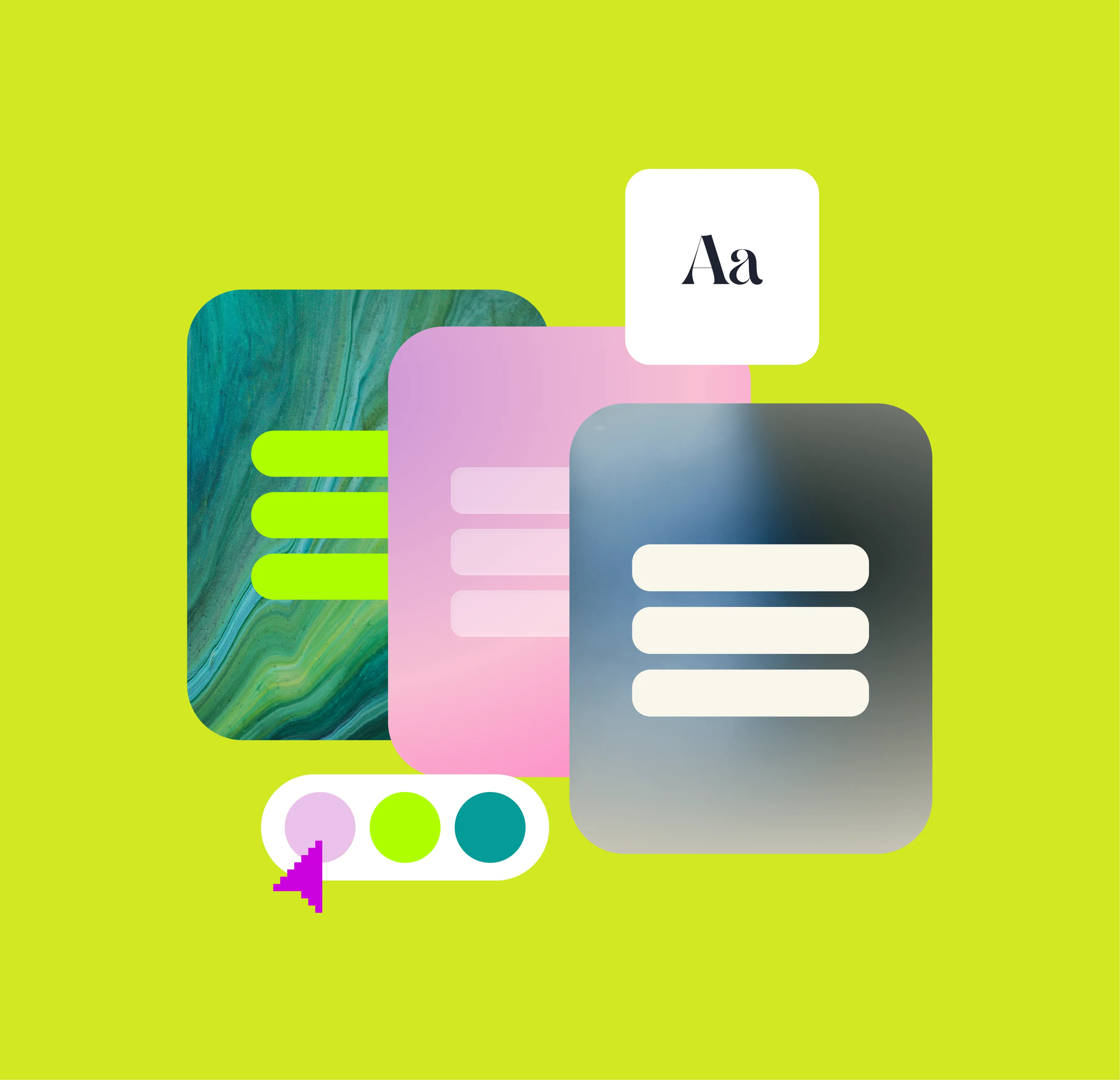
Design a Linktree that feels as unique as your music
Design a Linktree that feels as unique as your music
As a music artist, your brand is more than your sound. Your story, your style, and how your audience connects with you visually is a large part of creating your world. From album artwork to tour posters, every detail shapes how fans experience your music. Your Linktree should do the same.
With Linktree’s Custom Design Tools, you can create a page that reflects your artistic identity. Whether you’re going for bold and expressive or minimal and modern, you now have more options than ever to customize your look and make your Linktree truly yours.
In this article, you’ll learn how to use Linktree’s design features to showcase your music, strengthen your brand, and create a memorable first impression for fans and industry professionals alike.
Your Linktree is often the first place fans visit after finding you on social media, so make sure it matches your artistic vibe. Linktree’s expanded library of themes, fonts, and layouts gives artists plenty of creative flexibility.
You can now choose from a range of themes that complement your brand, and adjust your font style and link layout to match the tone of your visuals.
💡 Pro tip: Keep your design consistent across your Linktree, social media, and album artwork. A cohesive aesthetic helps fans instantly recognize your brand.
If you’re a Linktree Pro subscriber, you can access advanced design tools that add motion and depth to your page.
Pro features include:
💡 Pro tip: Use your looping video background to preview live performance clips or music video snippets. It makes your Linktree feel immersive and instantly connected to your art.
Your Linktree can now highlight your best content using Featured Layouts, which display visual previews from platforms like Instagram, TikTok, and YouTube.
This feature is perfect for artists who want to show fans what their content looks like before they click. You can feature music videos, live performances, or fan-generated content right on your Linktree.
💡 Pro tip: Add your latest video or single as your top featured post. When fans visit your Linktree, they’ll see your newest work first without needing to scroll.
Your profile image can now appear larger on your Linktree, giving you the chance to make a stronger visual statement. Whether it’s a striking promo shot, album cover, or creative logo, use this space to showcase your personality and style.
💡 Pro tip: Update your profile image with each new release cycle or tour. It keeps your Linktree feeling fresh and aligned with your latest era.
You can now choose from more button styles and shapes to customize how your links appear. Use this feature to emphasize what’s most important, like your latest single, Pre-Save, or tour announcement.
Design a page that feels like you
Your Linktree isn’t just a list of links, it’s an extension of your artistry and brand. With new design tools, you can build a page that captures your energy, creativity, and personality.
Start customizing your Linktree today with new design tools.
👉 Explore Custom Design options on your Linktree
Is posting on TikTok really as lucrative as it seems? We’ve done the research: here’s what you need to know about earning money on TikTok in 2026.
Curate a safe, positive digital experience by learning how to block a hashtag on TikTok using the platform’s content filters.
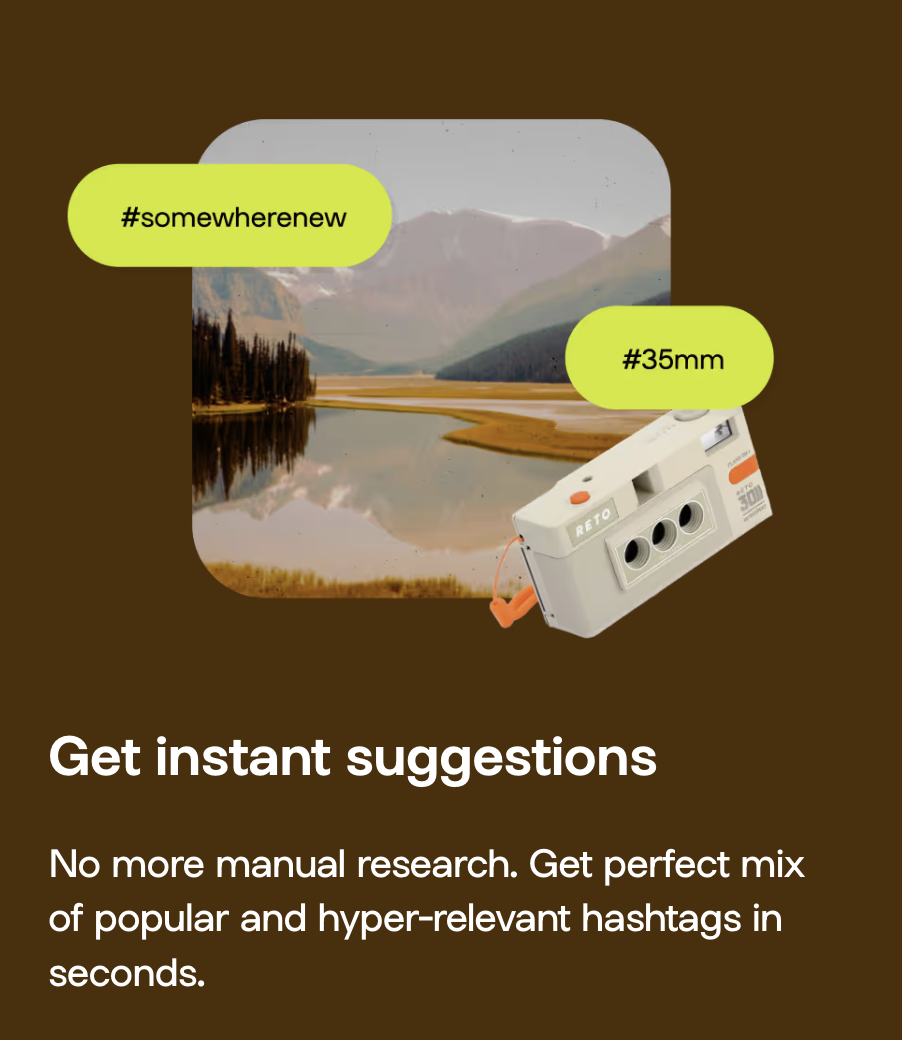
A hashtag generator is one of the best Instagram growth tools around. See what the hype is about and learn how to use Linktree’s Hashtag Generator for better reach and engagement on Instagram.


