Boost sales
and traffic with Instagram
Auto-Replies

Turn every comment into a connection. Set up automated replies to instantly engage customers, drive traffic to your offers and increase conversions – all while keeping the conversation going.

Send your first Auto-Reply

*Pro trial auto renews into paid plan. Cancel anytime.

Build your brand while you sleep.

Save time and stay on top of every comment without lifting a finger. Create connections with your followers — even when you're not online.

Try it on Linktree

Automate Instagram
engagement to grow your brand

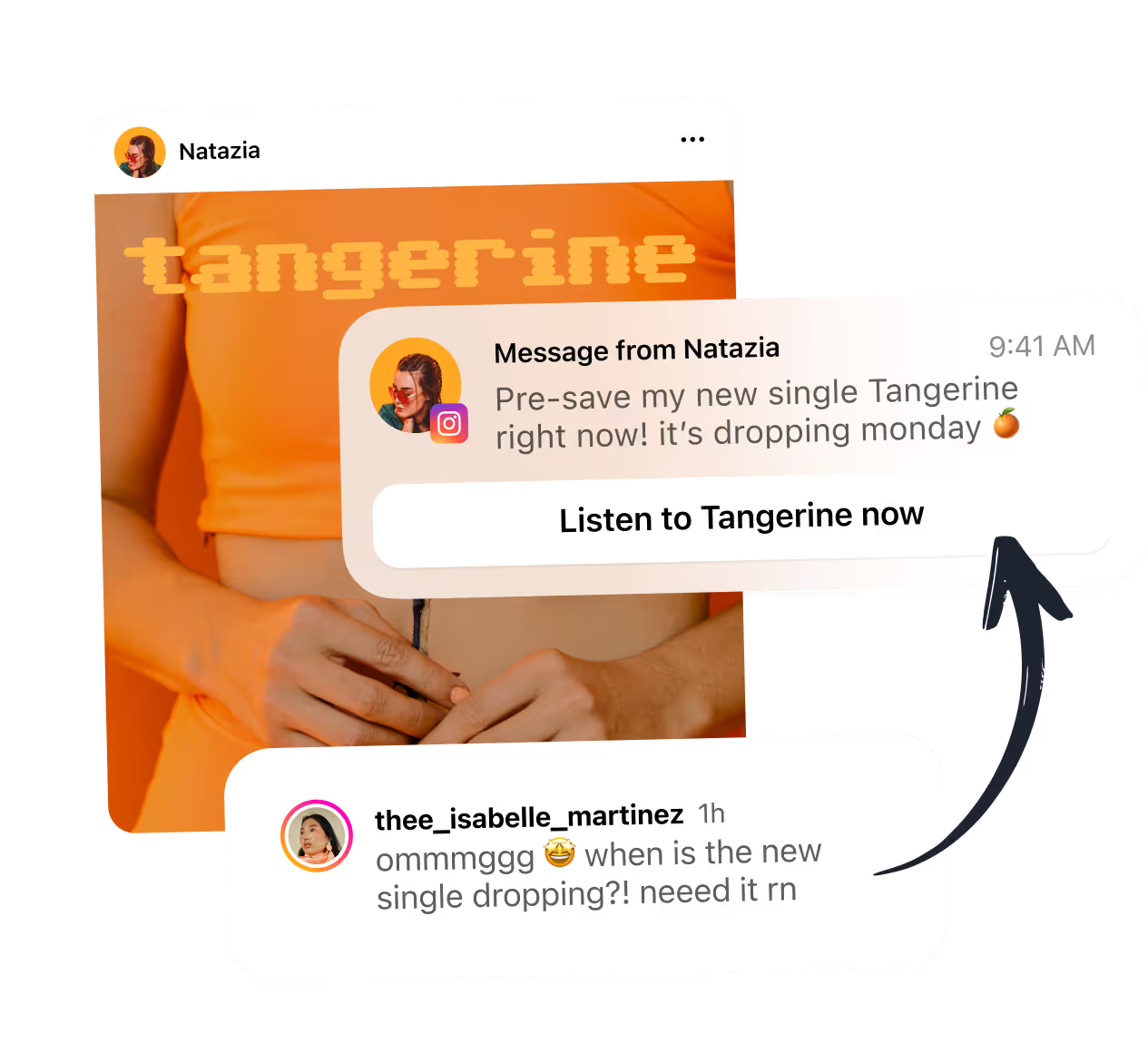
Promote new releases.

Spotlight your latest releases to drive higher streams, views and reads.

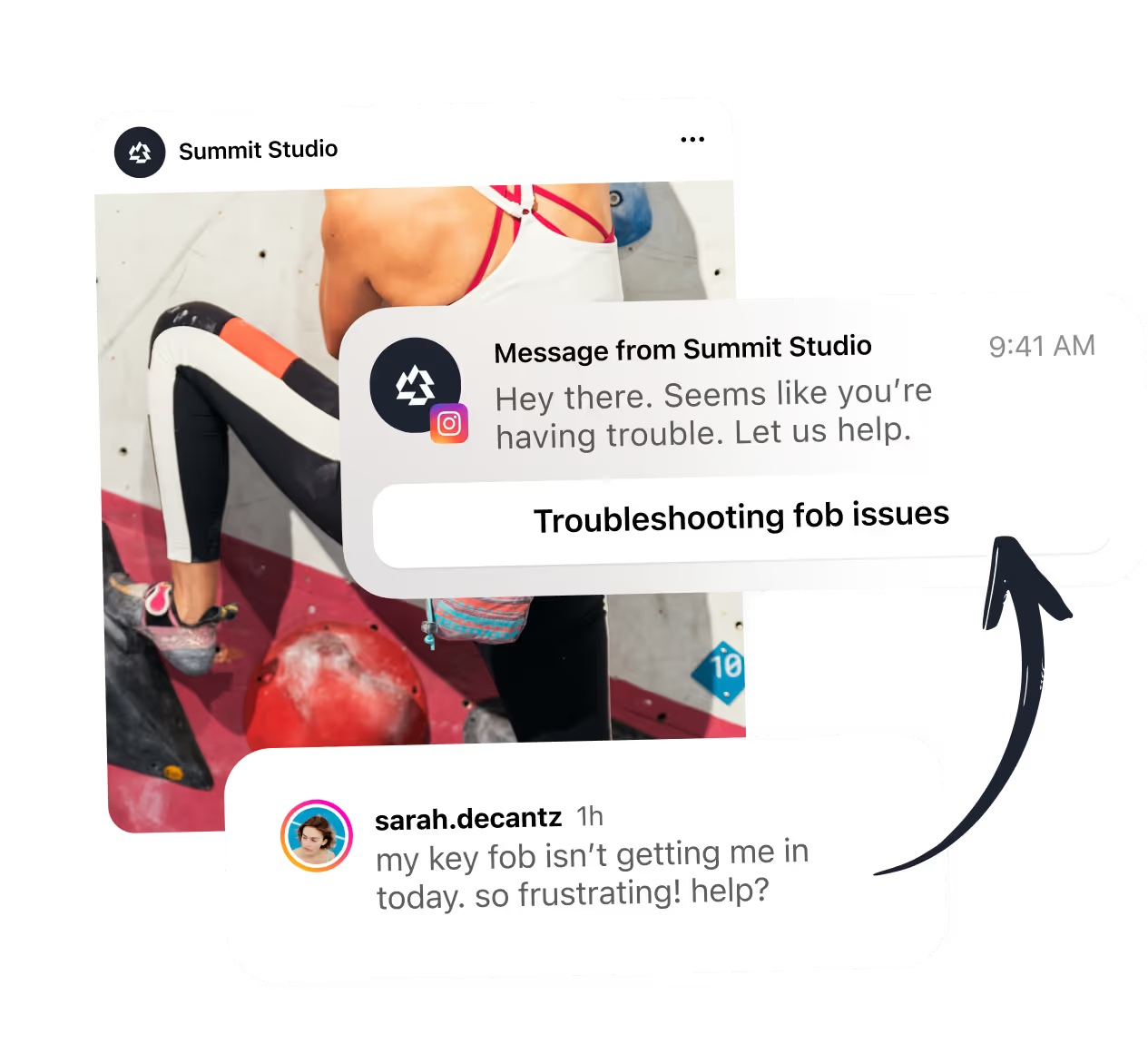
Provide quick support.

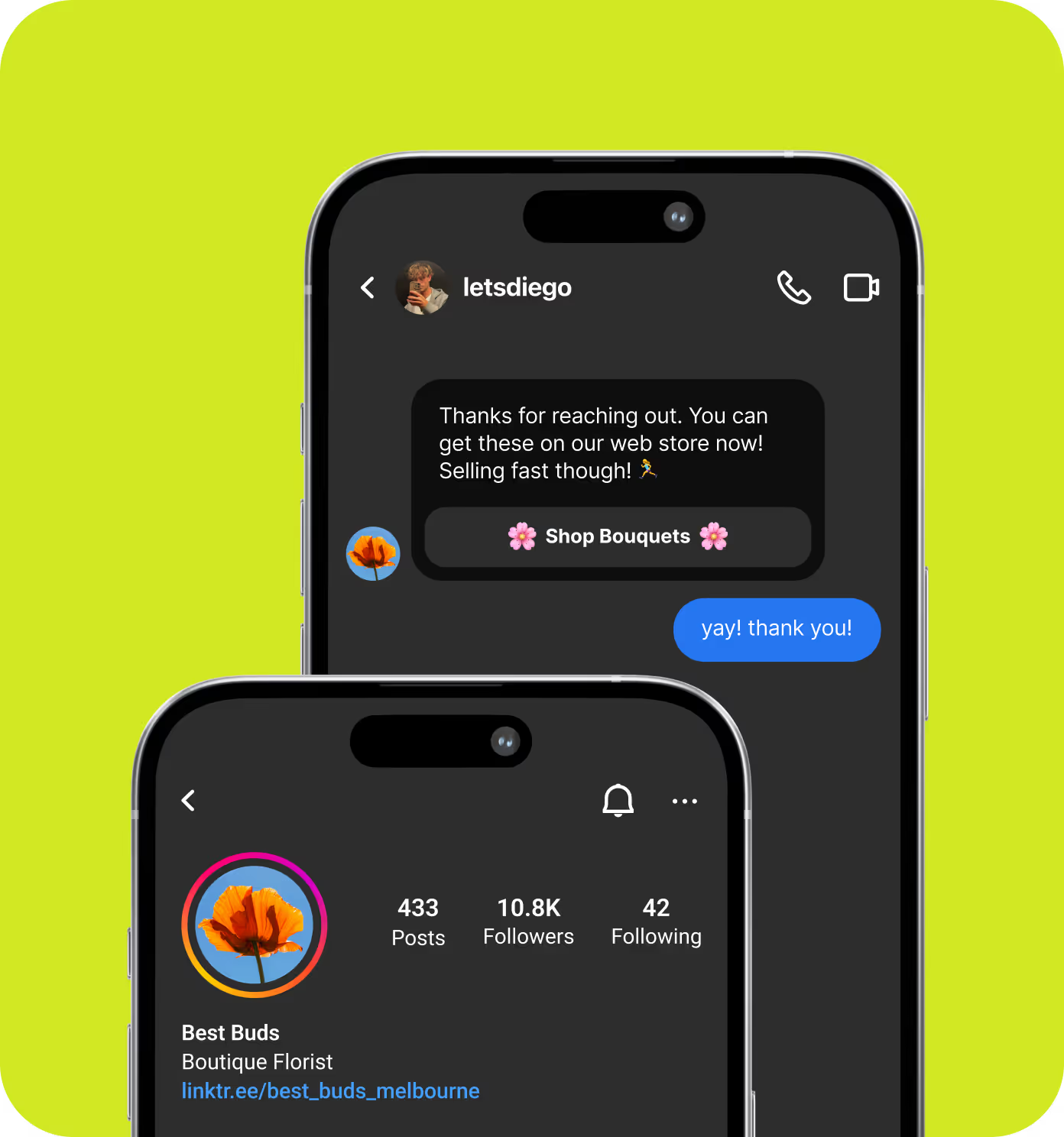
Never leave them hanging. Set up around-the-clock automated support to quickly help customers.

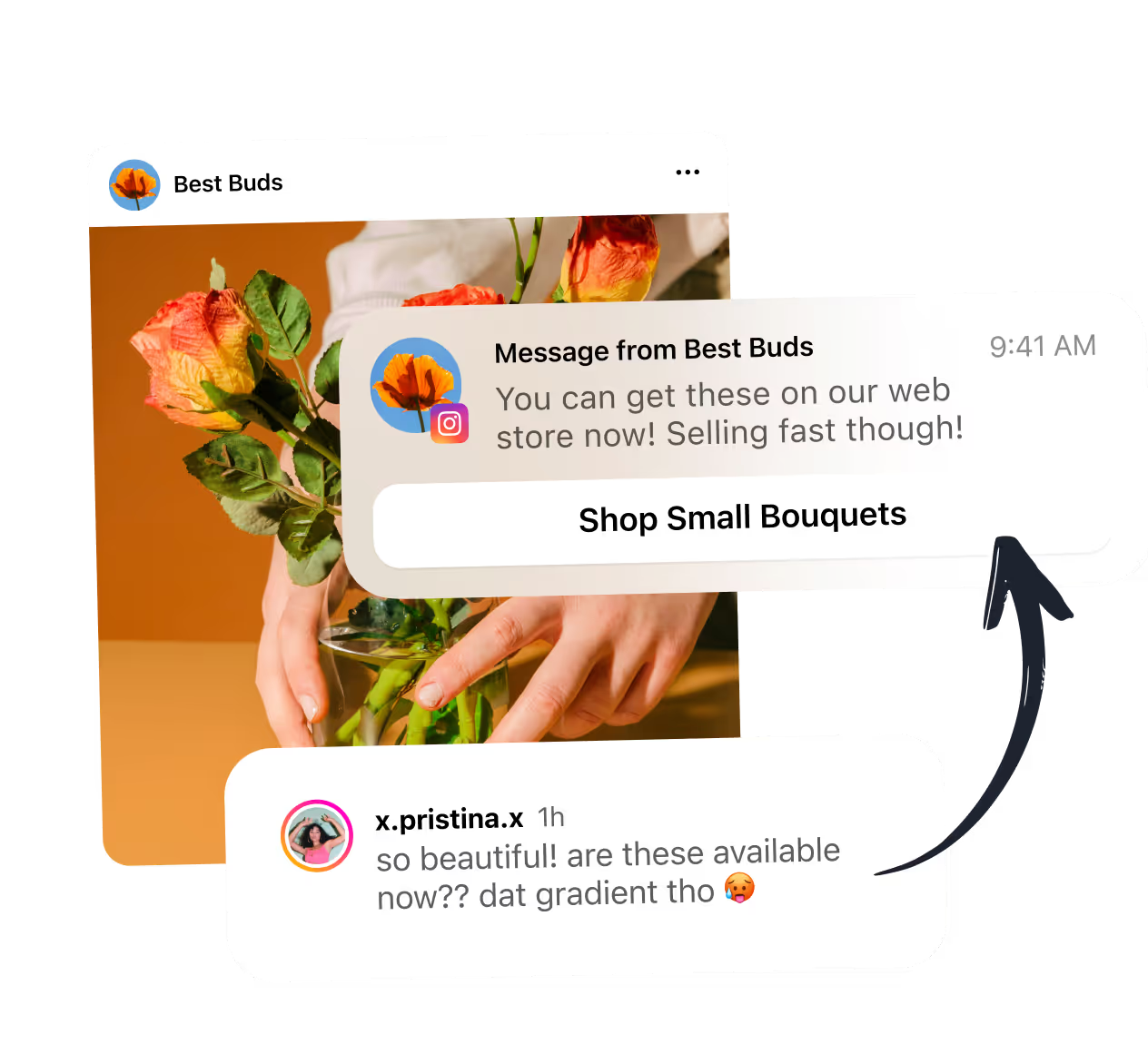
Increase sales

Drive sales by simplifying the purchase process for customers at the moment they’re most interested.

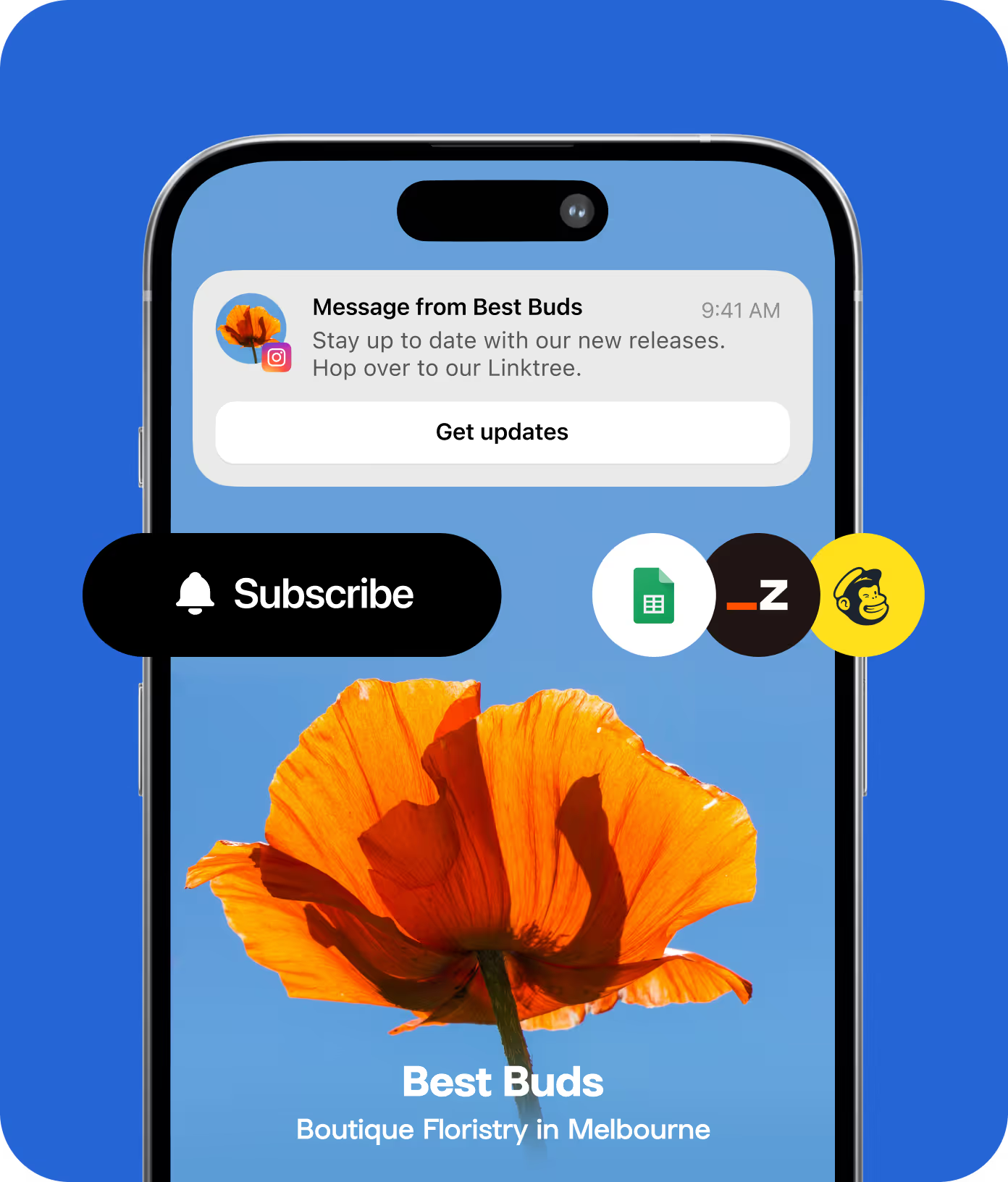
Supercharge your mailing list with Instagram.

Use auto-replies to share mailing list sign-up links with your Instagram followers – allowing you to share news with them outside of your social content.

Send up Auto-Replies

Take control of your posting schedule.

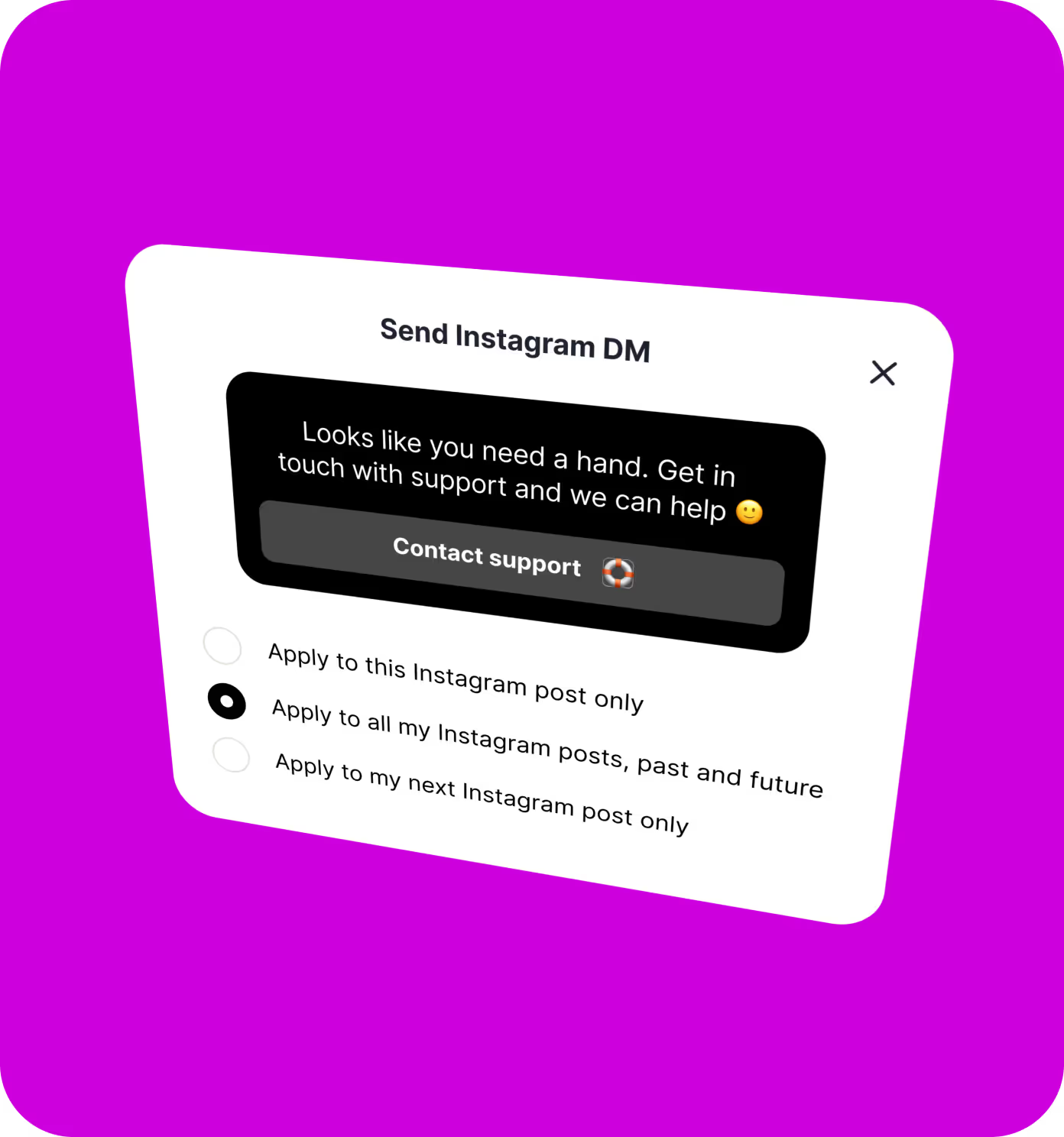
Effortlessly schedule Instagram auto-replies for all your Instagram posts — past, present and future.

Get started

Double your impact:
link in bio & Auto-Replies

Use your link in bio to showcase everything you are, and Auto-Replies to personally direct your audience to what they’re looking for.

Harness the power of Linktree

Frequently asked questions

How can I monitor the performance of my Instagram Auto-Replies?

You can track the performance of your campaign on the same tab where you set it up. This includes the number of times your message was sent and how many clicks it received.

When should I use Instagram Auto-Replies?

Instagram Auto-Replies are ideal for boosting engagement on your Instagram content. Here are some ideas:

  • Exclusive content delivery: Offer followers exclusive content like a downloadable eBook or a discount code directly through a DM when they engage with your posts.
  • Contest or giveaway management: Automatically send contest details when someone comments with a specific keyword on your contest post.
  • Product launch promotion: Share direct links to new products when followers engage with your promotional posts.

Why do my followers sometimes see a "Get Updates" button instead of my link in the DM?

If your follower is seeing a "Get Updates" button in the DM instead of the link you sent, it likely means they're viewing their messages on a desktop browser, rather than through the Instagram app on their phone. This is a current limitation in the way Meta's platform handles DMs on desktop.

To ensure they can access your link, suggest that your follower opens the message in the Instagram app on their mobile device.

Can I send Instagram Auto-Replies if my account is set to private?

Your Instagram account must be set to public in order to use the Instagram Auto-Replies feature. However, don’t worry – your followers with private Instagram accounts will still be able to receive your DMs without any issues.