

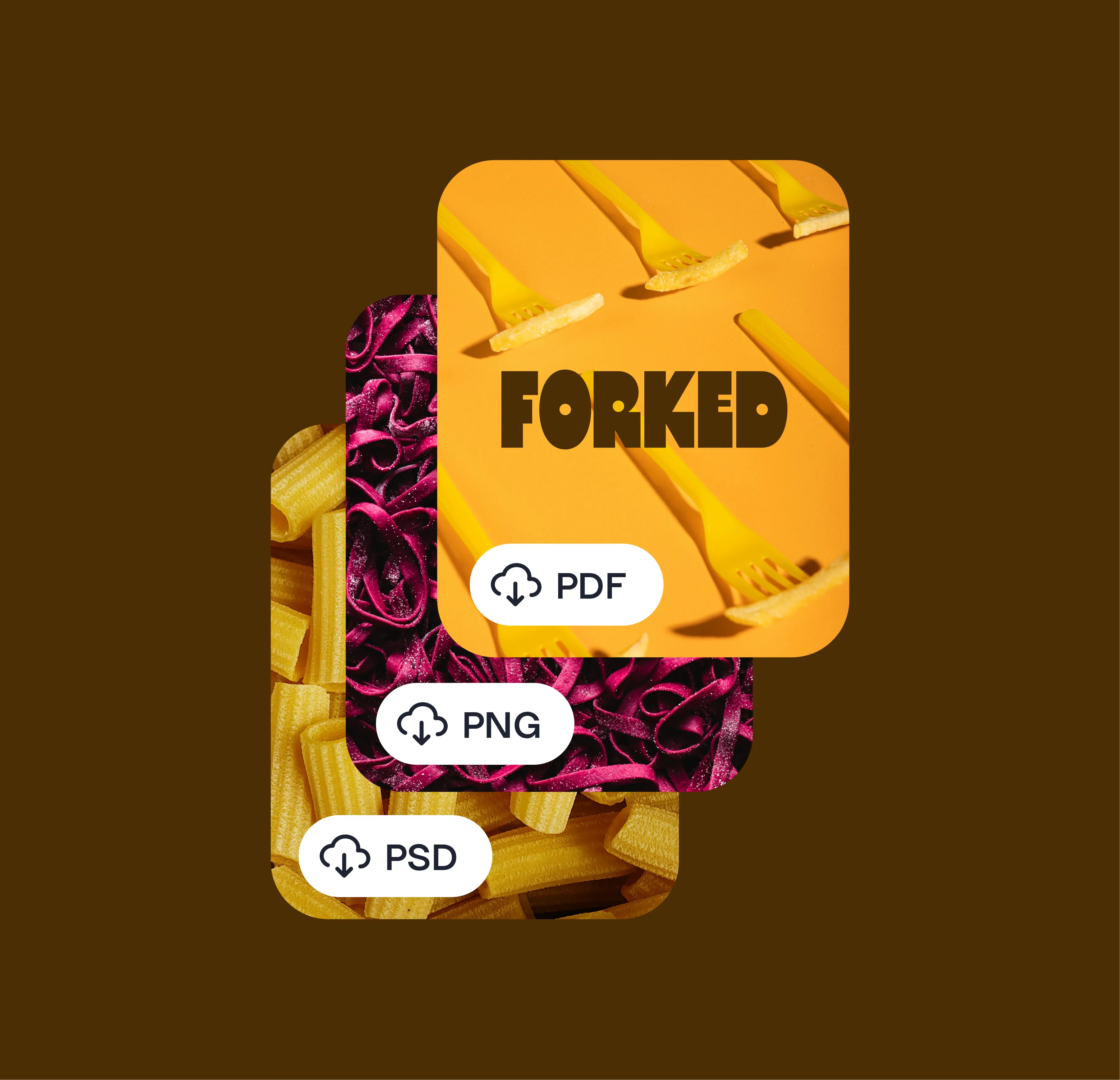
Turn your favorite recipes into a sellable digital product
Turn your favorite recipes into a sellable digital product
As a food creator, curating recipes while capturing the creation process is a labor of love. Whether you share five-ingredient meals, elaborate desserts, or cultural classics, your audience follows you because they trust your taste.
With Linktree Digital Downloads, you can turn your best recipes into a beautiful, sellable mini-cookbook your followers can access instantly. No publisher, no website upkeep or payment providers needed.
In this article, you’ll learn how to create and sell your first mini-cookbook, helping you turn your passion for food into a thriving business.
The best cookbooks have a strong theme or purpose. It helps your audience know exactly what they’re getting and why it’s valuable.
Ask yourself: what do people come to you for most?
Start small with one focused idea. A mini-cookbook with 5 to 10 recipes is enough to deliver real value without feeling overwhelming to create.
💡Pro tip: Think of your first mini-cookbook as a test. Once you see what your audience loves, you can expand into longer cookbooks or a themed content series later.
You don’t need fancy design tools or hours of formatting. Use free or simple platforms like Canva, Google Docs, or Notion to lay out your recipes, add photos, and export the file as a PDF.
Keep your layout clean and consistent:
💡 Pro tip: Start by reusing recipes you’ve already posted on social media. Repackage your greatest hits into a curated, downloadable format. This allows you to earn from content you’ve already created, while giving your audience an easier way to follow along.
Once your file is ready, create your Digital Download and set your price. Your followers can buy and download it instantly, right from your Linktree.
This keeps everything in one place and removes the need for external tools or platforms.
💡 Pro tip: Offer your first mini-cookbook at an accessible price to attract buyers. A $5 to $10 range works well for first-time customers and encourages impulse purchases.
When you launch your mini-cookbook, show your audience what’s inside. Share recipe previews, behind-the-scenes clips of you creating it, or highlight your favorite dishes.
Examples of promotion ideas:
💡Pro tip: Post during when your food content performs best. People are more likely to save and purchase when they’re inspired to cook.
Once your first mini-cookbook is live, use it as a foundation for more digital products. You can expand into seasonal products, video courses, or full-length cookbooks.
💡 Pro tip: Pair your mini-cookbook with a Shareable Collection that includes your favorite ingredients or cookware from the Linktree Product Catalog. It adds an extra layer of value and opens new income opportunities.
Turn your recipes into revenue
Your audience already loves your food. Now it’s time to give them something they can save and cook from over and over.
Start creating your mini-cookbook today with Linktree Digital Downloads.
👉 Add a Digital Download to your Linktree

Is posting on TikTok really as lucrative as it seems? We’ve done the research: here’s what you need to know about earning money on TikTok in 2026.
Curate a safe, positive digital experience by learning how to block a hashtag on TikTok using the platform’s content filters.
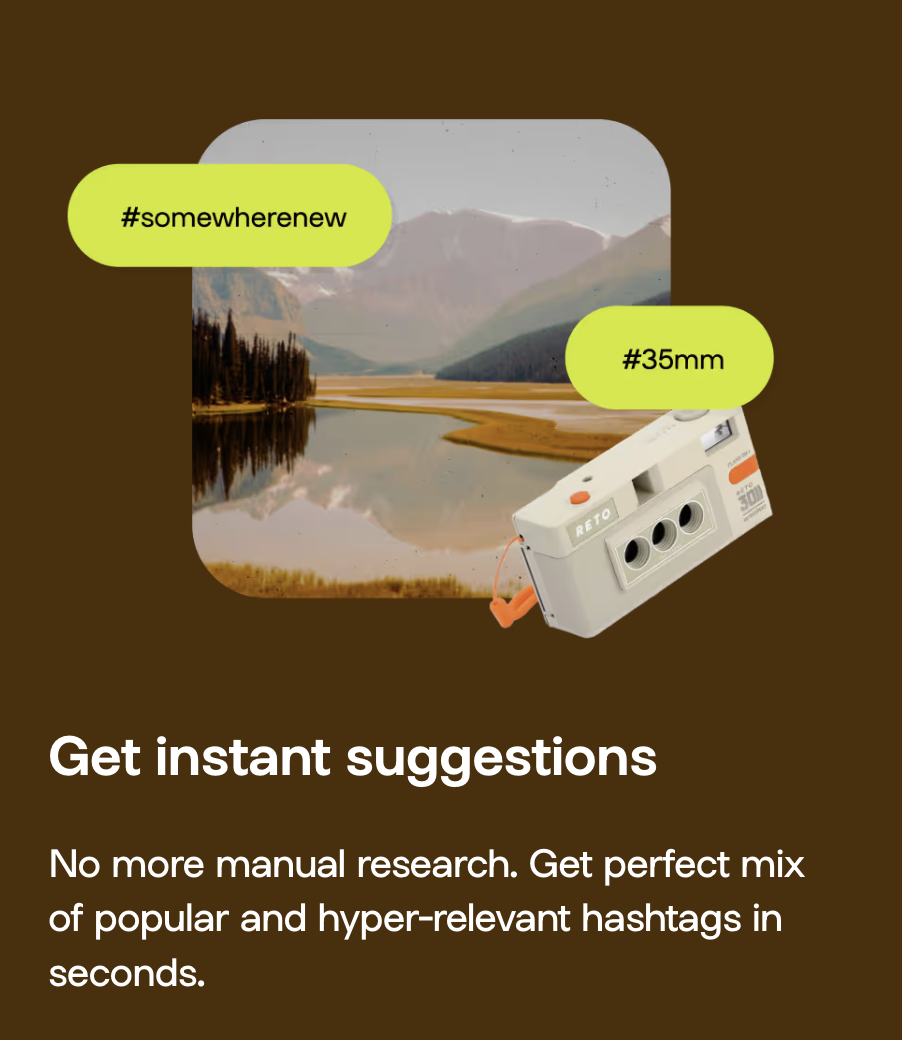
A hashtag generator is one of the best Instagram growth tools around. See what the hype is about and learn how to use Linktree’s Hashtag Generator for better reach and engagement on Instagram.


