

Build, convert and connect with your community with Linktree, offering endless ways to reach and connect with your audience.
Build, convert and connect with your community with Linktree, offering endless ways to reach and connect with your audience.
Want to build an engaged audience online and grow your business? You need the right tools in your corner to seamlessly own, reach and convert your audience at scale – and that’s where Linktree comes in.
Linktree provides an all-in-one ecosystem for business owners and creators looking to take a holistic approach to scaling, converting and connecting with their audiences. From cultivating a strategic social media presence to growing your mailing list like a pro, discover how to leverage your audience and maximize your earning potential online with these five must-try tools.
Give your social media the best shot at success by using social planner by Linktree, an all-in-one social media strategy and scheduling suite designed to enhance your online presence.
Most creators and business owners are busy, which is why social planner comes in handy. It takes the guesswork out of showing up online, offering proven frameworks to support the content planning and scheduling process.
From tips on best practices to recommendations on when to time your posts, Social Planner by Linktree is designed to keep your brand active – even when business gets busy.

When you use social planner by Linktree, you can:
Another piece of the social media puzzle is responding to comments quickly and effectively. Without speedy customer service, your business is fighting an uphill battle. Conversion becomes more challenging the longer you wait, and when customer service is lacking, perceptions of your brand can suffer.
One way to keep communication lines open – without investing significant time or energy – is to use Linktree’s Instagram auto-reply. With Instagram auto-reply switched on, you can trigger automated direct messages (DMs) when specific comments are left on your posts.

Here’s how to harness the power of Linktree’s Instagram auto-reply:
Learn more about utilizing Instagram auto-reply to strengthen your social media marketing.
With Tr.ee link shortener, you can create easy-to-share links that live anywhere, from your social media bios to your latest email campaign. They’re clean, uncomplicated and stand out amongst the clutter online.
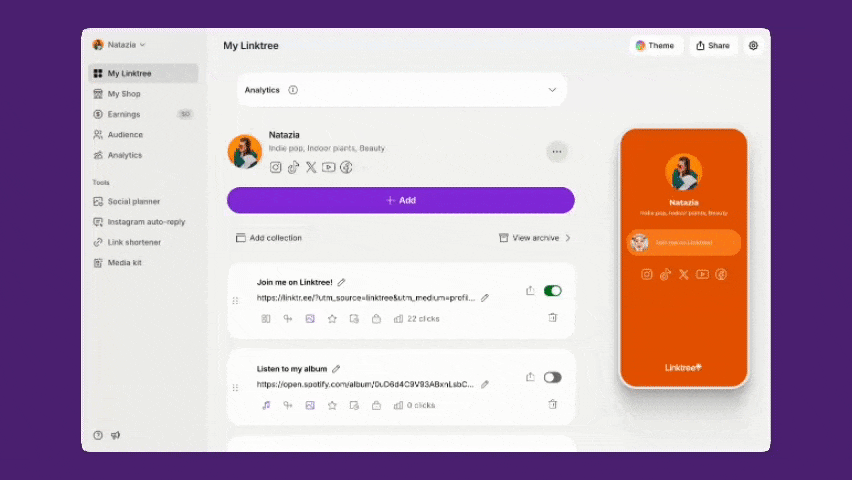
When you use Tr.ee to shorten your links, expect these benefits:
Discover how to shorten your links in this how-to guide to Tr.ee link shortener.
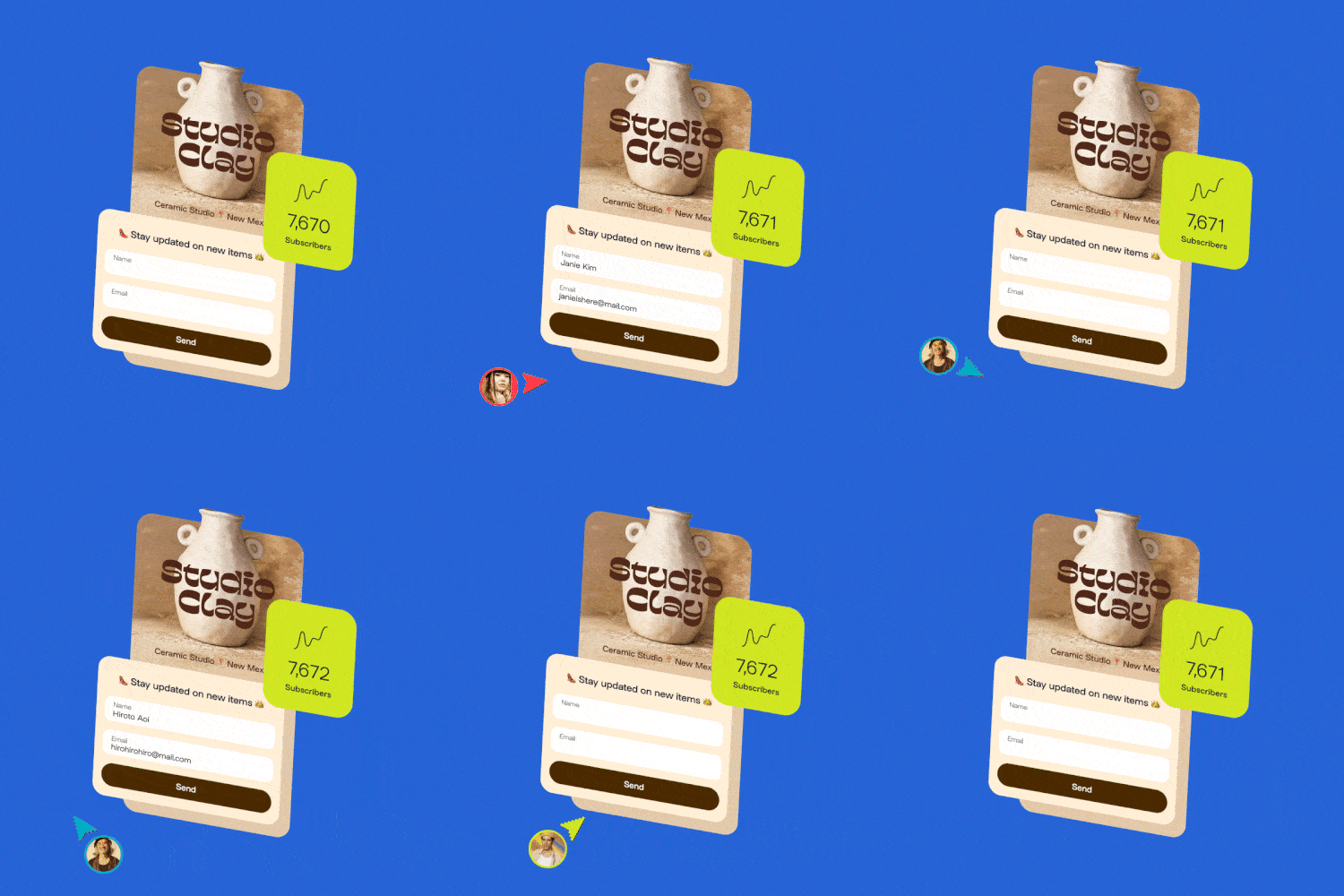
Let’s talk about how you can collect emails with a form on your Linktree, then manage those new leads right from your Audience dashboard.
Owning your audience means accessing critical customer data like names, email addresses and zip codes, rather than relying on social media algorithms to reach your audience. This will give you the ability to speak to your community how and when you want, and makes your marketing strategy future proof in case of shifting tides online, like we saw with the recent TikTok ban.

Start by adding a contact formto your Linktree to capture information from your leads. You can customize this with the most important fields for your business, then collect and manage responses without ever leaving Linktree.
Once you’ve started gathering details from your audience, make the most of these details in Linktree’s Audience tab. This suite of features includes Subscribe, where people can sign up for instant updates from your business, and gated content like subscriber-only discounts and links to incentivize your most loyal followers.
When used together, contact forms and Audience are packed with potential. The best part is that everything is centralized within Linktree, making it easy for customers to explore, engage and convert – and simplifying the management process on your end.
Add a form to your Linktreeand explore the Audience dashboard to get started.
Linktree tip: Are you a content creator selling digital products? Linktree’s digital productslet you market and sell your content – whether it’s an ebook, a digital download or a course – in-platform to easily engage with leads and customers. Learn more about how to share digital productson your Linktree.
Once you’ve collected customer data, the final step is to use it to your advantage, which is where Linktree’s third-party integrations enter the chat. By closing the loop, you’ll generate more engagements and conversions than ever before. And now, you can do it without leaving Linktree.
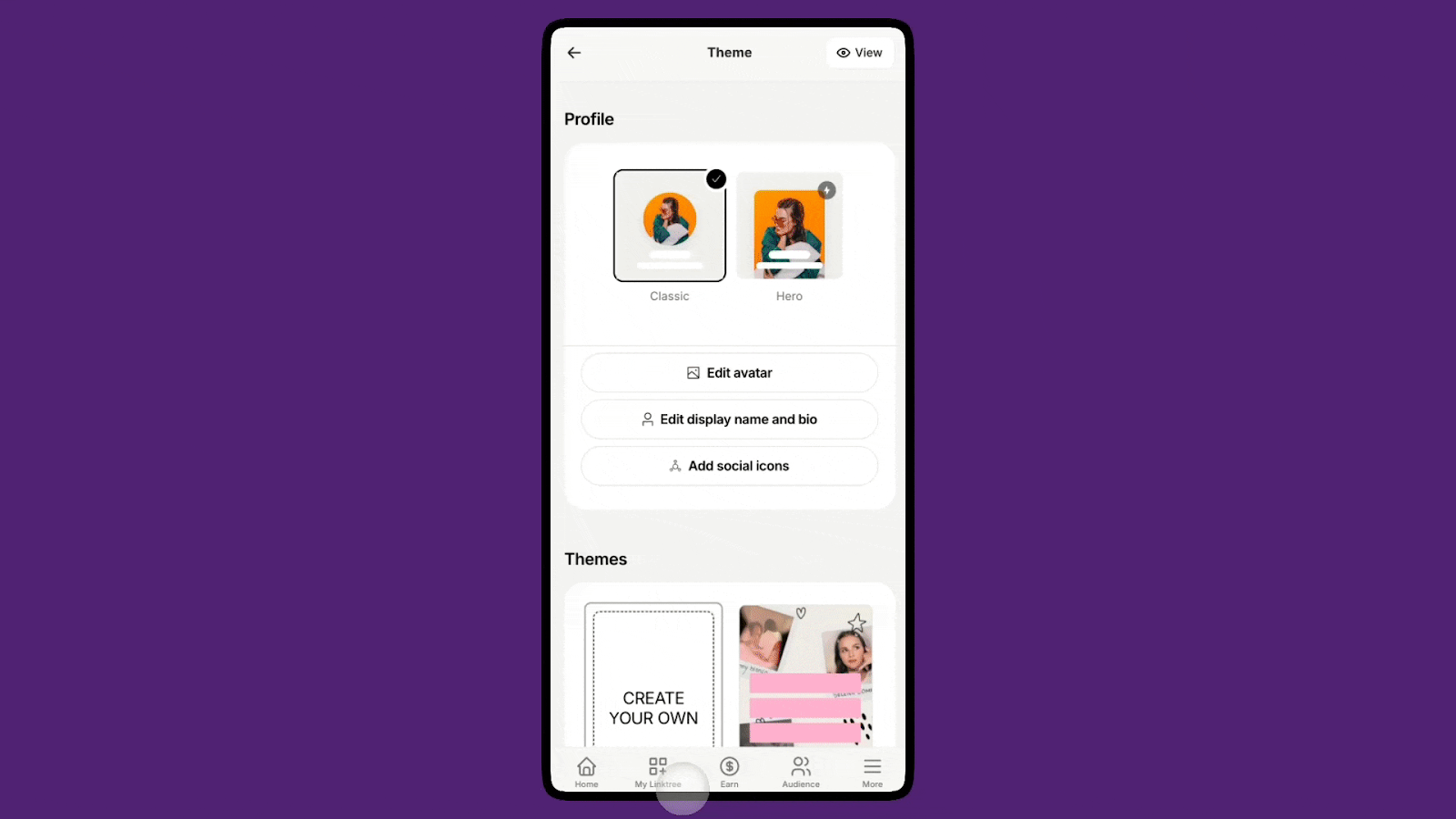
Instead of manually exporting the information you’ve collected using a from on your Linktree and Audience tools, keep things streamlined by selecting from a handful of popular integrations, including data management tools like Google Sheets and email clients like Mailchimp and Klaviyo.
Here’s what’s on the docket:
These powerful integrations are available on Linktree Pro and Premium plans. Learn more about adding them into your digital marketing ecosystem.
When you’ve set up your integrations, the world really is your oyster! From newsletters to sales announcements to automated responders, email marketing opens up lots of opportunities.
With these tools, Linktree is helping you build more connections, streamlined interactions, increased conversions and better access to your data. Try Linktree now to supercharge your audience and business growth.

Is posting on TikTok really as lucrative as it seems? We’ve done the research: here’s what you need to know about earning money on TikTok in 2026.
Curate a safe, positive digital experience by learning how to block a hashtag on TikTok using the platform’s content filters.
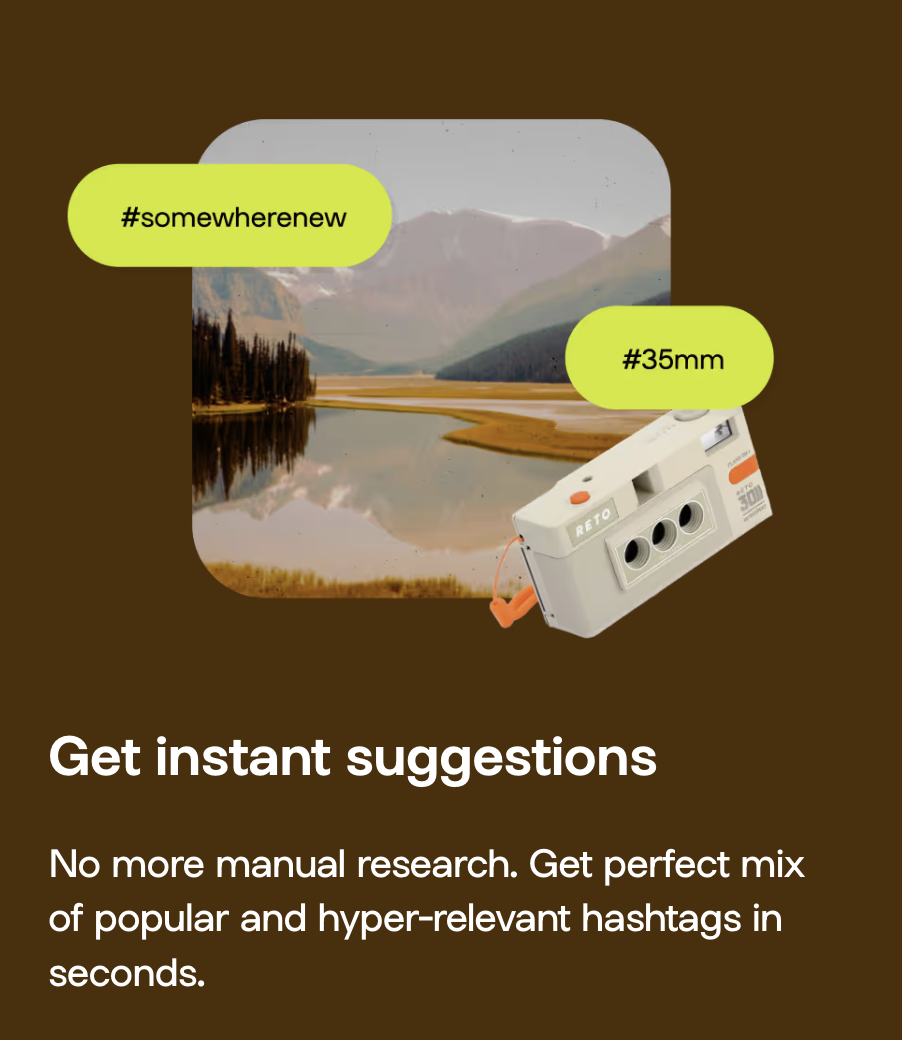
A hashtag generator is one of the best Instagram growth tools around. See what the hype is about and learn how to use Linktree’s Hashtag Generator for better reach and engagement on Instagram.


