

Build hype and boost streams before your new track drops
Build hype and boost streams before your new track drops
As a music artist, every release day counts. You’ve spent weeks or months perfecting your track, designing your visuals, and teasing the drop. Now it’s time to make sure your fans are ready to listen the moment it goes live.
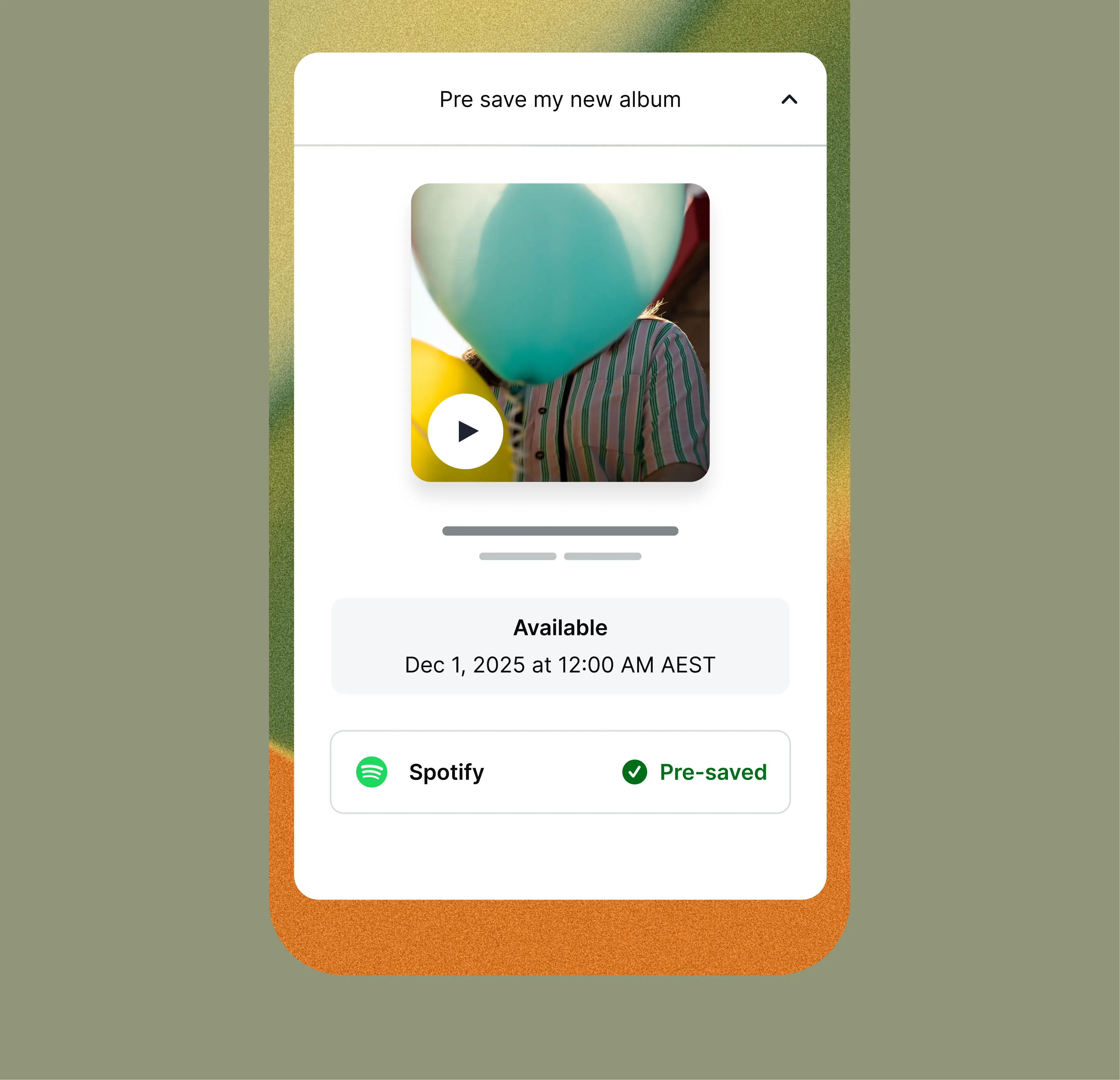
With Linktree’s Music Pre-Save link, fans can pre-save your upcoming release on Spotify so it’s automatically added to their library on release day. When your track goes live, your Pre-Save link instantly turns into a standard music link that plays your track directly. No extra setup, no new link needed.
In this article, you’ll learn how to build anticipation for your release, and turn engagement into streams on launch day.
Once you have your Pre-Save link set up (learn how here), it’s time to get your audience saving. Your Pre-Save link is one of the best ways to build anticipation, so start promoting it early, ideally two to three weeks before your release.
Share it everywhere:
💡 Pro tip: Turn Pre-Saves into a fan goal, like “Help me hit 500 Pre-Saves before Friday!” Fans love being part of your milestone moments.
Your album art and teaser visuals are part of your story. You can use your Pre-Save link to showcase your cover image and give fans a taste of what’s coming. You can even pair it with snippets or lyrics to make your promotion feel cinematic.
💡 Pro tip: Post countdowns in your stories and add your Pre-Save link to every post leading up to the drop. Consistency keeps your track top of mind.
On release week, your Linktree should be your main destination. Alongside your Pre-Save link, add:
When fans visit your Linktree, they should see your entire world: everything connected to your music, story, and release.
💡 Pro tip: After your track goes live, your Pre-Save link automatically becomes a Spotify streaming link. Update your Linktree visuals and title to celebrate the launch, like “My New Single ‘Echoes’ is Out Now.”
Don’t stop promoting once the song drops. Keep your fans engaged with post-release content that deepens their connection to the track.
Share:
💡 Pro tip: Use Linktree Analytics to track engagement before and after release. You’ll see what content and timing helped drive the most clicks and streams, helping you plan future releases more strategically.
Make every release day your biggest yet
With Linktree’s Music Pre-Save, you can build hype, track momentum, and make release day seamless for both you and your fans. It’s the easiest way to turn excitement into streams and make sure your new track gets the attention it deserves.
Start setting up your Pre-Save link today.
👉 Add a Music Pre-Save link to your Linktree

Is posting on TikTok really as lucrative as it seems? We’ve done the research: here’s what you need to know about earning money on TikTok in 2026.
Curate a safe, positive digital experience by learning how to block a hashtag on TikTok using the platform’s content filters.
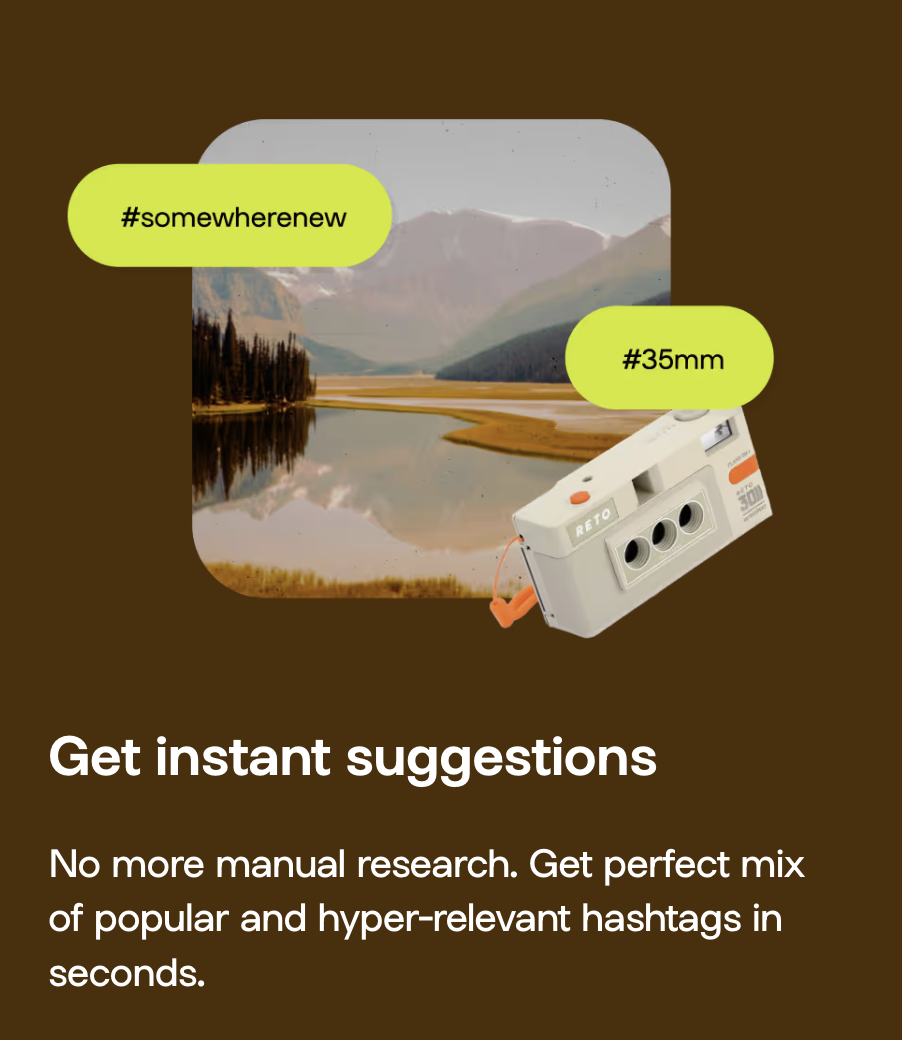
A hashtag generator is one of the best Instagram growth tools around. See what the hype is about and learn how to use Linktree’s Hashtag Generator for better reach and engagement on Instagram.


